# Unboxing
This page describes the Joulescope JS320. For another instrument, see
[Other devices](#getting-started-other-devices).
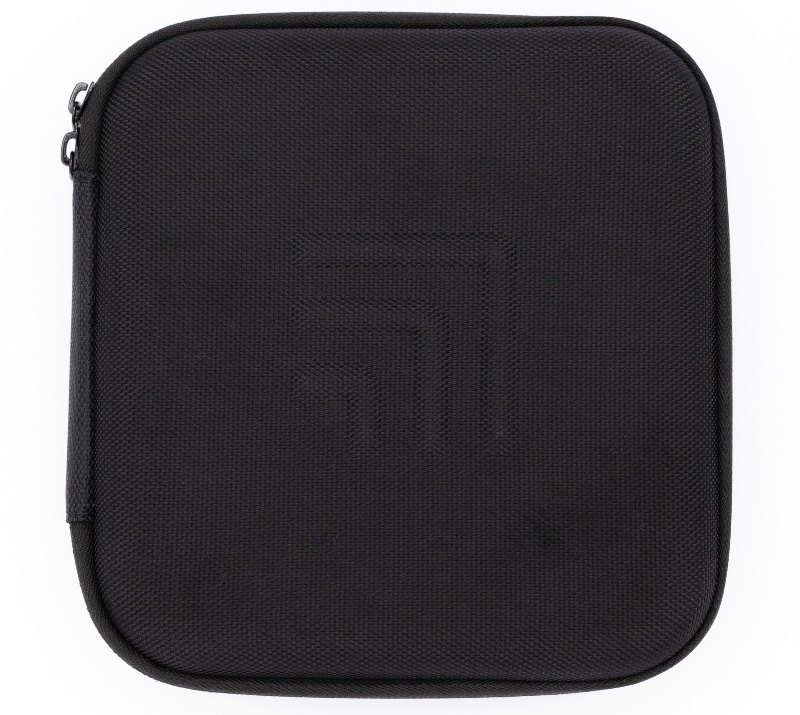
The JS320 arrives in a carry case:
Unzip the carry case to find the JS320 instrument and accessories:
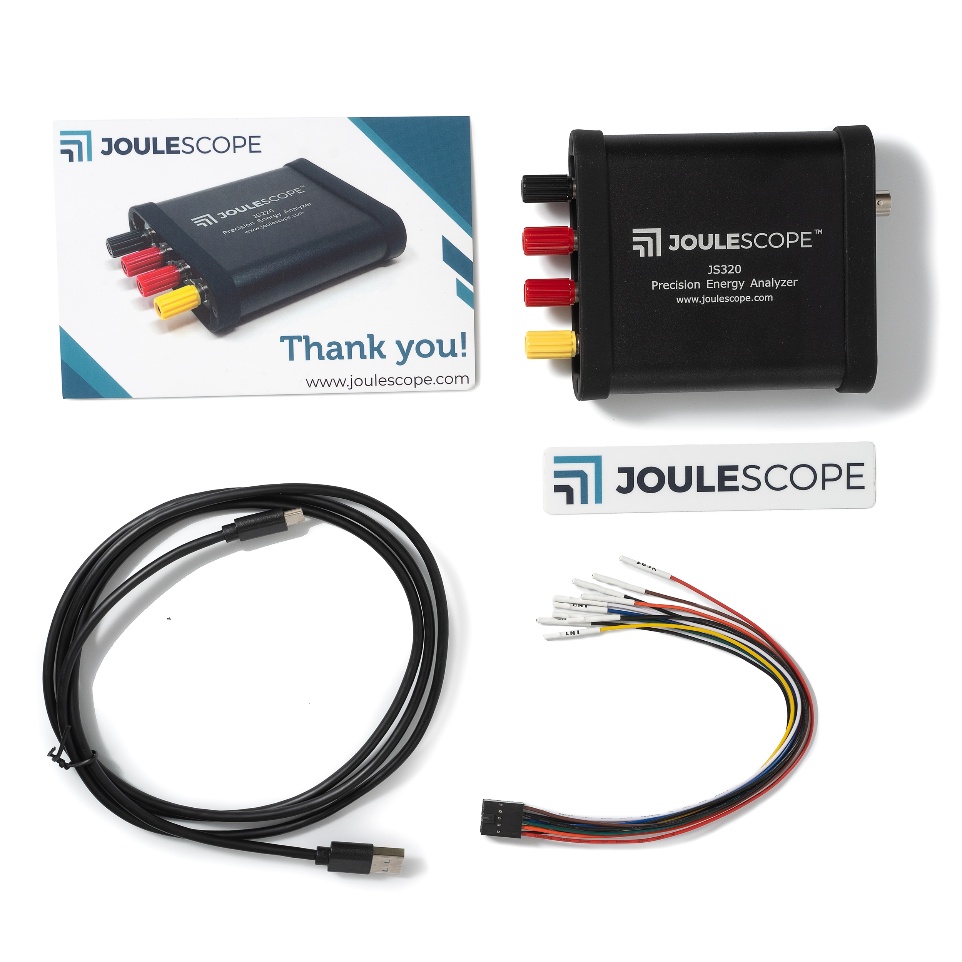
Your Joulescope JS320 purchase includes:
- Joulescope JS320 instrument with factory calibration
- Binding Post Front Panel, already installed
- 5’ USB 2.0 A to C cable
- USB A to C adapter (not shown above)
- GPIO cable assembly
- 2 mm Allen wrench, for optionally swapping the front panel (not shown above)
- Quick Start Guide
- Factory calibration certificate (not shown above)
- Joulescope sticker
- Carry case
You will need to provide:
- A host computer running one of the [supported platforms](https://docs.joulescope.com/en/getting_started/install_ui.md#supported-platforms).
Most computers manufactured within the last five years should work. The
computer requires an available USB 2.0 port, at least 500 MB of hard drive /
solid state drive storage space, and 1 GB of available RAM.
- Suitable cable(s) to connect the Joulescope JS320’s binding posts to your
system, often the power source and device under test.
- Optional BNC cable for connecting trigger to other equipment.
You need an internet connection to download the free software.
## Other devices
- Joulescope JS220: [Meet Your Joulescope JS220](https://docs.joulescope.com/en/products/js220/guide/meet.md#js220-meet-your-joulescope-js220)
- Joulescope JS220+: arrives like the JS220, with a safety banana jack front
panel rather than binding posts. See
[Meet Your Joulescope JS220](https://docs.joulescope.com/en/products/js220/guide/meet.md#js220-meet-your-joulescope-js220).
- Joulescope JS110: [What comes in the box](https://docs.joulescope.com/en/products/js110/guide/overview.md#js110-what-comes-in-the-box)