
2. Meet Your Joulescope#
The front side of Joulescope has the connectors that connected to your target device and its regular power supply. Connect your power supply positive output to IN+, and connect OUT+ to your target device’s positive voltage input. Connect the target device’s ground or negative voltage input to OUT-. Connect IN- to your power supply ground or negative output.
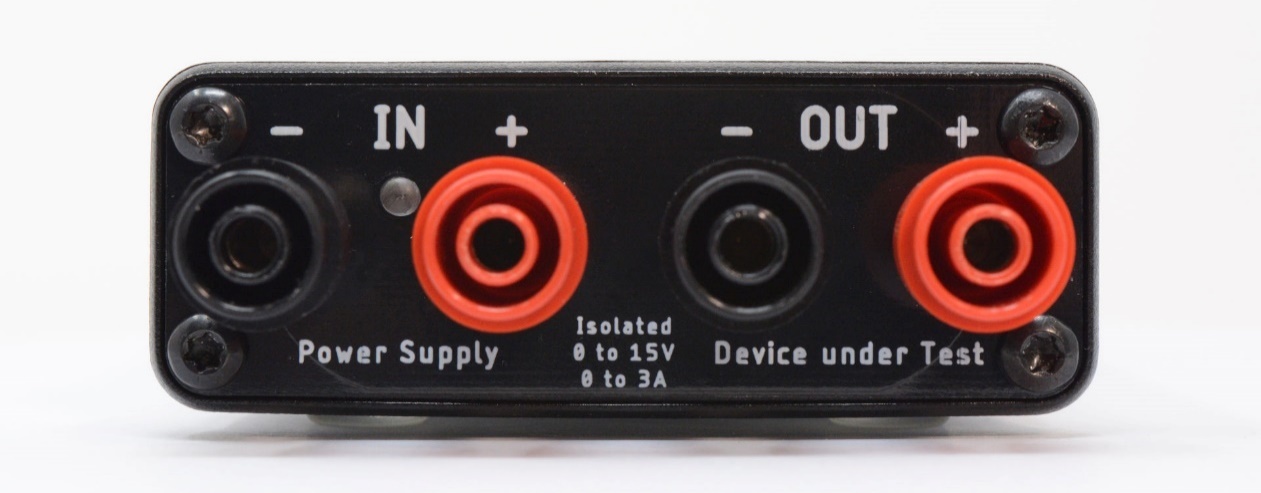
The LED indicates when your Joulescope is ready to collect measurements.
The backside of Joulescope has the host USB connector, status LED, and GPIO connector:
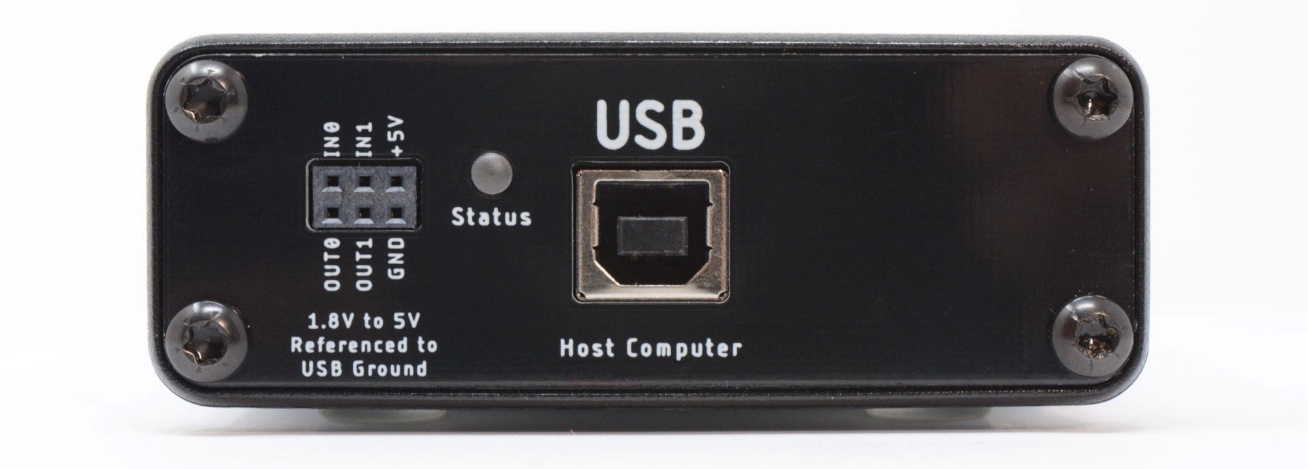
Use the provided USB cable to connect the USB host computer connector to your host computer. The status LED indicates when the Joulescope successfully communicates with the host computer. For Windows hosts, the Status LED illuminates shortly after connecting the Joulescope to the computer. For Linux and macOS hosts, the Status LED will not illuminate until the Joulescope software attempts to connect.
The GPIO connector provides two general-purpose inputs and two general-purpose outputs. See Section 8 for details.