
1. Introduction#
|
|
|---|---|
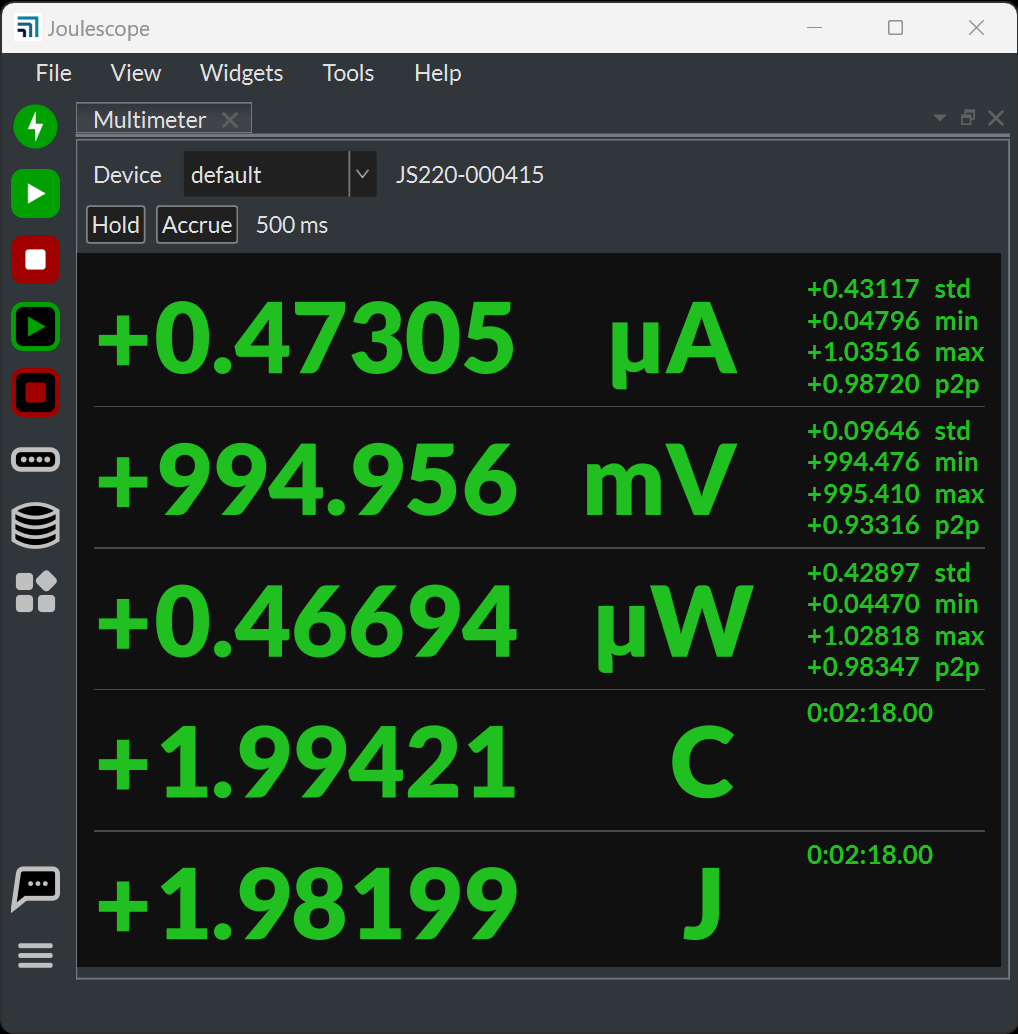
Multimeter view |
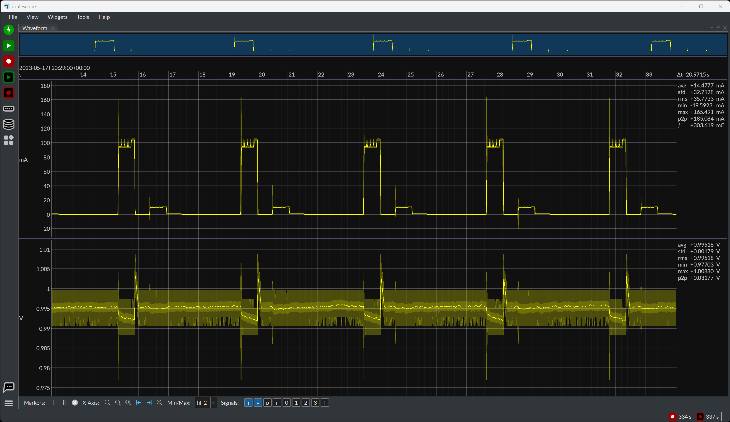
Oscilloscope view |
The Joulescope User Interface displays measured data from instruments including the Joulescope JS220 and Joulescope JS110. These instruments provide high-dynamic range current measurements and voltage measurements to enable a variety of applications including:
Microprocessor and microcontroller power profiling and optimization
Hardware power optimization
Microcontroller and device sleep current optimization
Hardware and software troubleshooting
Software characterization and interrupt service routine profiling
USB inrush and suspend current pre-compliance testing
General-purpose current, voltage, power, charge, and energy measurement
The UI is the quickest and easiest way to configure tests, capture data, and analyze the results.
The UI displays instantaneous voltage, current, power, and energy, like a multimeter. The multimeter provides a quick and easy summary of the present state of your device.
The UI also displays waveforms over time, like an oscilloscope. This oscilloscope view allows you to identify and to troubleshoot dynamic behavior and short events, including inrush current, event handlers, and tasks.