
2. Meet Your Joulescope JS220#
The JS220 arrives in a carry case:
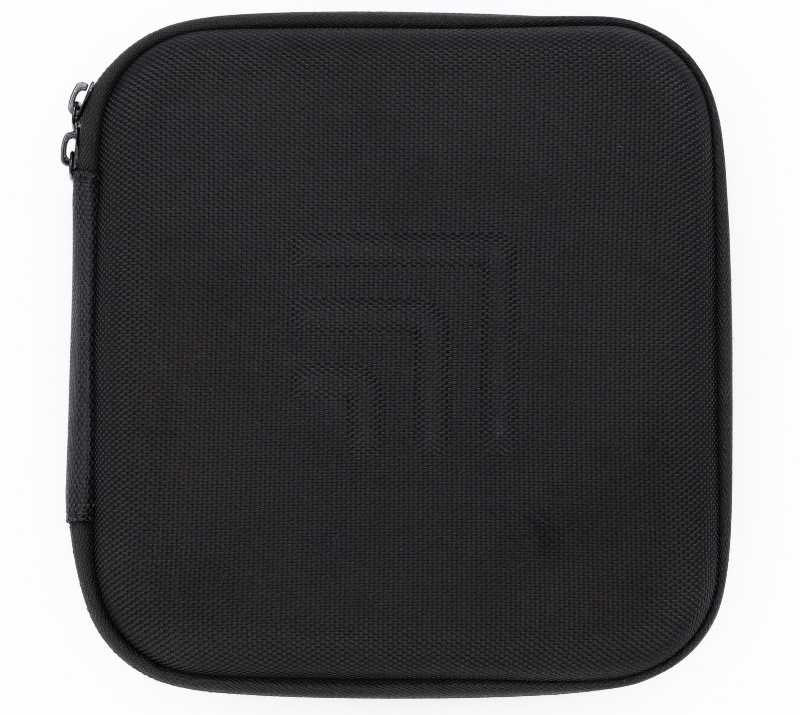
Unzip the carry case to find the JS220 instrument and accessories:
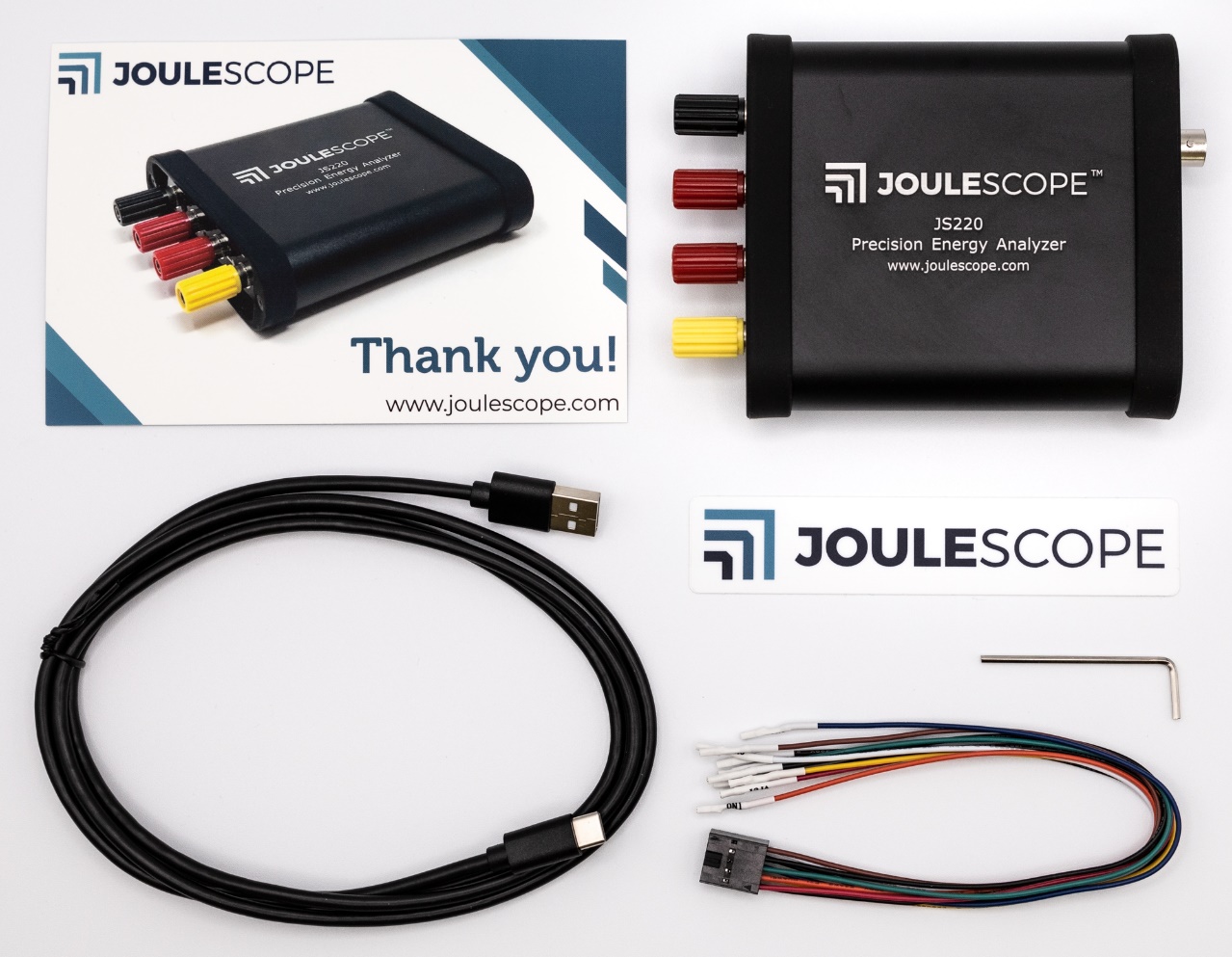
Your Joulescope JS220 purchase includes:
Joulescope JS220 instrument with factory calibration
Binding Post Front Panel, already installed
5’ USB 2.0 A to C cable
GPIO cable assembly
2 mm Allen wrench, for optionally swapping the front panel
Quick Start Guide
Joulescope sticker
Carry case
You will need to provide:
A host computer running one of the supported platforms. Most computers manufactured within the last five years should work. The computer requires an available USB 2.0 port, at least 500 MB of hard drive / solid state drive storage space, and 1 GB of available RAM.
Suitable cable(s) to connect the Joulescope JS220’s binding posts to your system, often the power source and device under test.
For computers without USB A ports, a suitable USB cable or USB adapter.
Optional BNC cable for connecting trigger to other equipment.
You need an internet connection to download the free software.
The front side of the JS220 has the connectors that connect to your system:
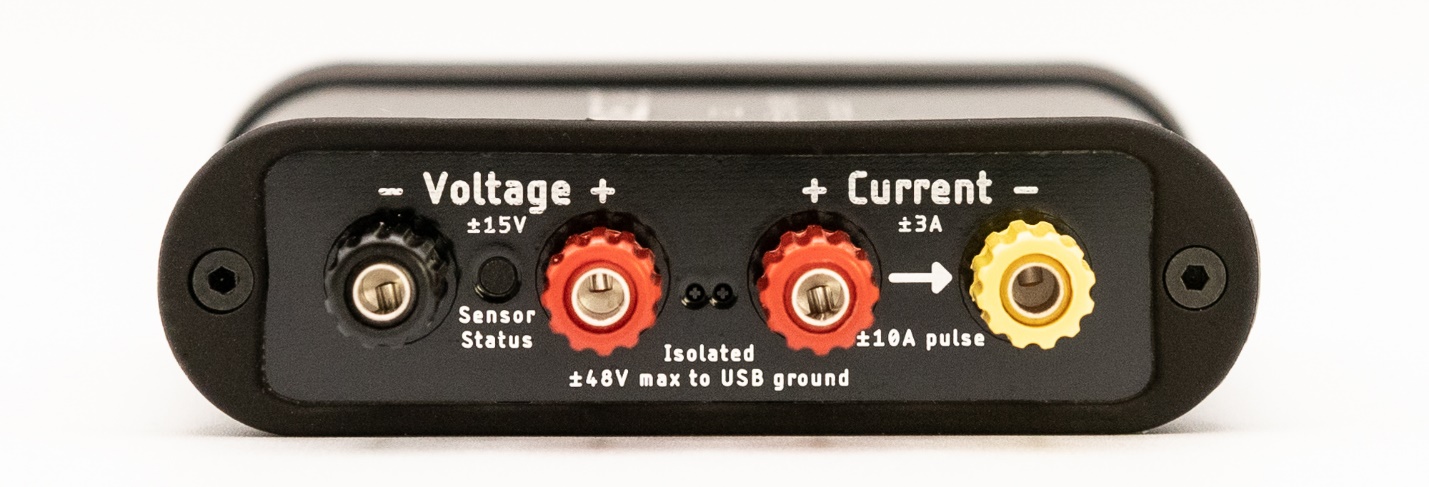
Your JS220 measures the voltage across the Voltage + and Voltage – binding posts. Your JS220 measures the current flowing through the Current + to the Current – binding posts. If you have a power source and target device, connect the positive side through the current binding posts. You can then connect the voltage signals across either your power source or your target device. For more connection examples, see Section 6.
The Sensor Status indicator is off when your JS220 is powered off or inactive. Flashing red indicates that the instrument is ready but the current flow is not yet enabled. Solid green indicates that current measurement is enabled.
The backside of Joulescope has the host USB connector, status LED, GPIO connector, and trigger connector:
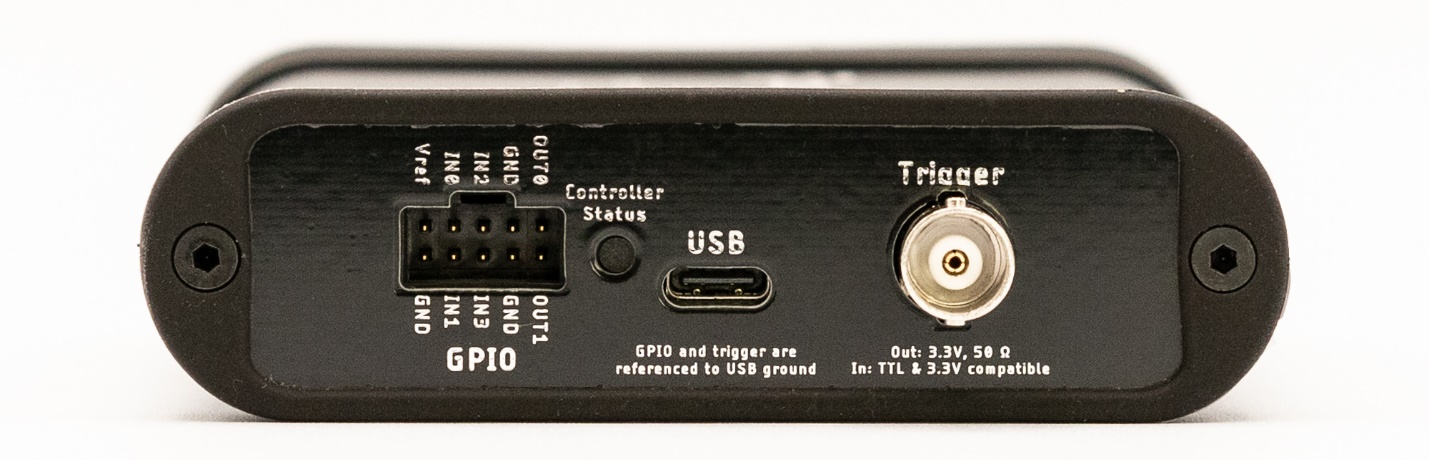
Use the provided USB C to USB A cable to connect the USB host computer connector to your host computer. If your computer only has USB C ports, use an adapter (not provided) or a USB C to USB C cable (not provided).
The Controller Status indicator is off when the JS220 is not connected to the host computer, or the host computer has not yet activated the JS220 over USB. Microsoft Windows computers activate devices immediately when connected while macOS and Linux do not activate the device until the Joulescope software attempts to use the device. Solid blue indicates that the JS220 is activated. Solid green indicates that the JS220 device is running normally.
The GPIO connector provides four general-purpose inputs and two general-purpose outputs. See Section 9 for details.
The BNC Trigger connector provides either a Trigger Out or a Trigger In. This Trigger allows the JS220 to synchronize data collection with other equipment.