
3. Quick start#
Install and start the Joulescope UI, then connect the JS110 USB port to your computer, as described in First steps.
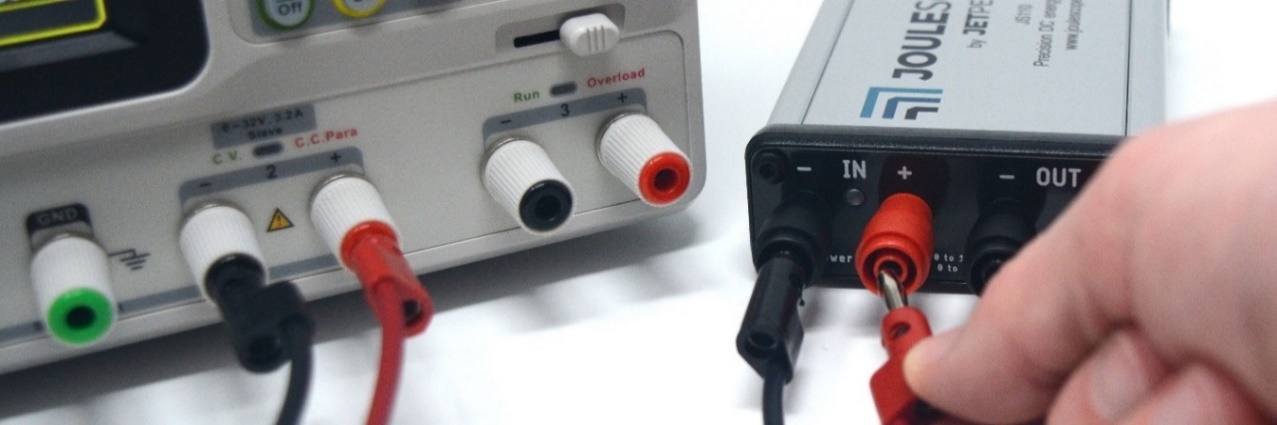
The JS110 has IN and OUT ports. Connect the IN port to your power source. If using a configurable power supply, set the voltage and current suitable for your device under test. The maximum voltage between IN+ and IN- should never exceed ±15V. IN and OUT are electrically isolated from USB, but the voltage between any port and USB ground should never exceed ±48V.
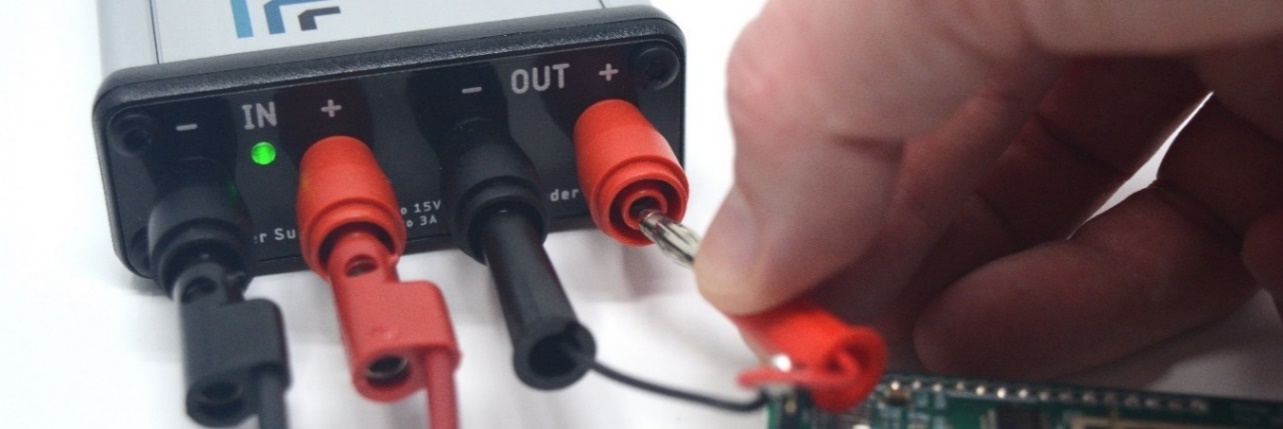
Connect the Joulescope OUT port to the power input for your device under test.
Operate your device under test. The Joulescope UI starts in the Multimeter view, which shows current, voltage, power, charge, and energy. For waveforms over time, select View → Oscilloscope.