
8. How to swap the front panel#
Joulescope comes standard with a banana jack front panel. However, Joulescope is designed to be flexible and can support other connector types.
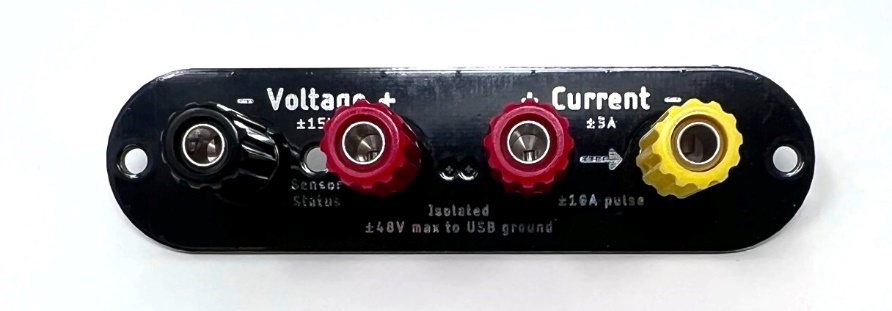
The front panel design is open source, and available on GitHub:
To swap the front panel, you will need:
2 mm Allen wrench (included)
The new front panel
Swapping the panel is easy, but you do need to take proper precautions to avoid damaging your Joulescope. The JS220 can be damaged by static electricity that you don’t even notice. When you expose the Joulescope main board, be sure only to handle it by the board edges. Follow these steps carefully:
Completely disconnect the Joulescope, including Current, Voltage, GPIO, Trigger, and USB ports.
Use the Allen wrench to remove the two screws at the sides of the existing front panel.
Gently push the Joulescope JS220’s trigger connector into the Joulescope body. This action will push the front panel out. Expose about ½” or 1 cm.
Grab the sides of the main board in one hand, being careful not to touch any other part of the board.
Grab the existing front panel by the sides and carefully pull it directly out.
Grab the new front panel by the sides, align the pins, and carefully push it in. Be careful to ensure that the light pipe fits into the front panel.
Fully seat the front panel in the black plastic bezel. You may need to gently guide the board to ensure that the USB connector, trigger connector, and light pipe fit in the back panel.
Use the Allen wrench to install the two screws at the sides of the existing front panel.