
5. Multiple Instrument Support#
The Joulescope UI supports multiple simultaneously connected Joulescope instruments. The UI includes the concept of a default device.
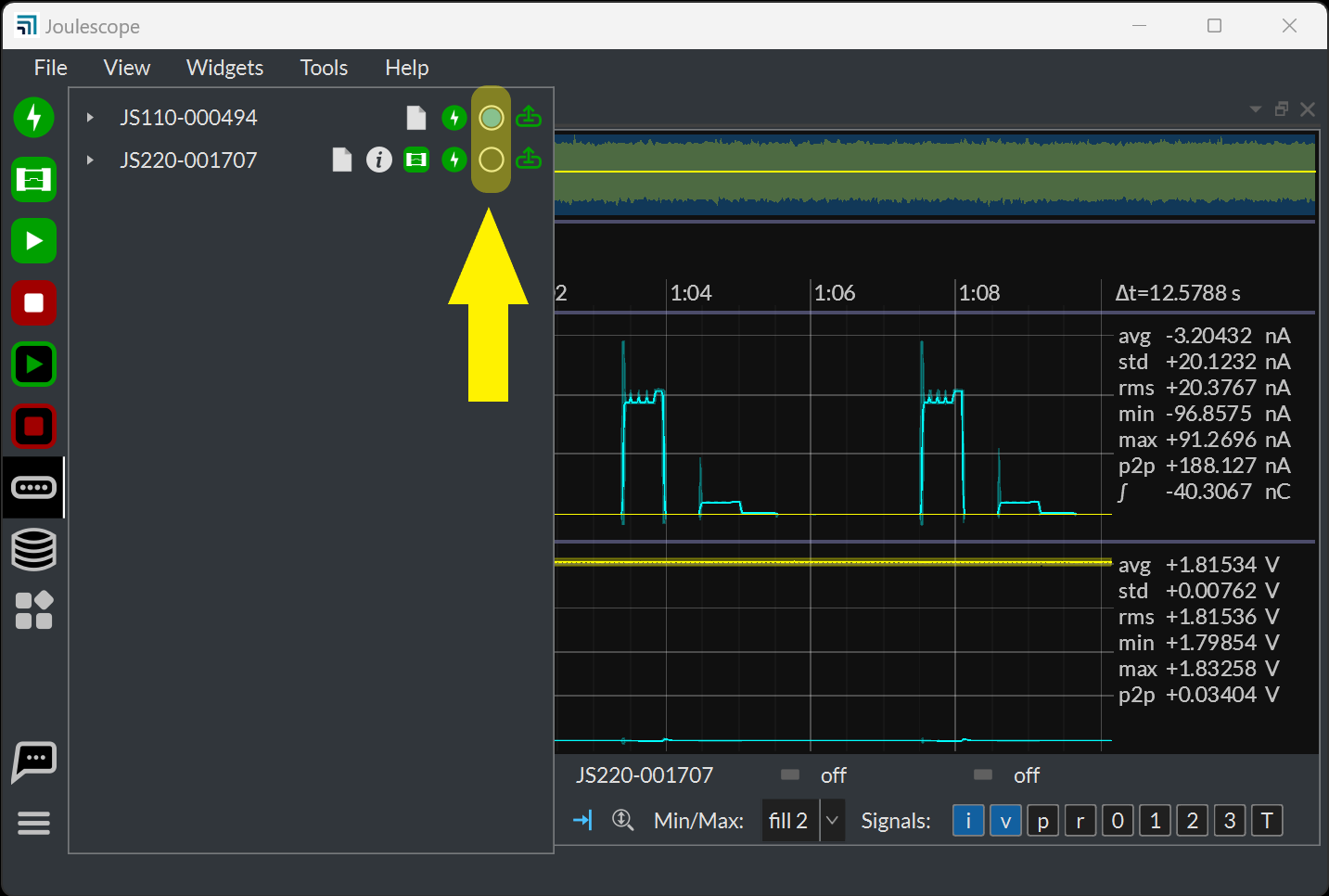
The UI will automatically select the initial default device. Change the default device using the Device Control widget.
When multiple instruments are connected, the Waveform widget displays an additional channel control widget.
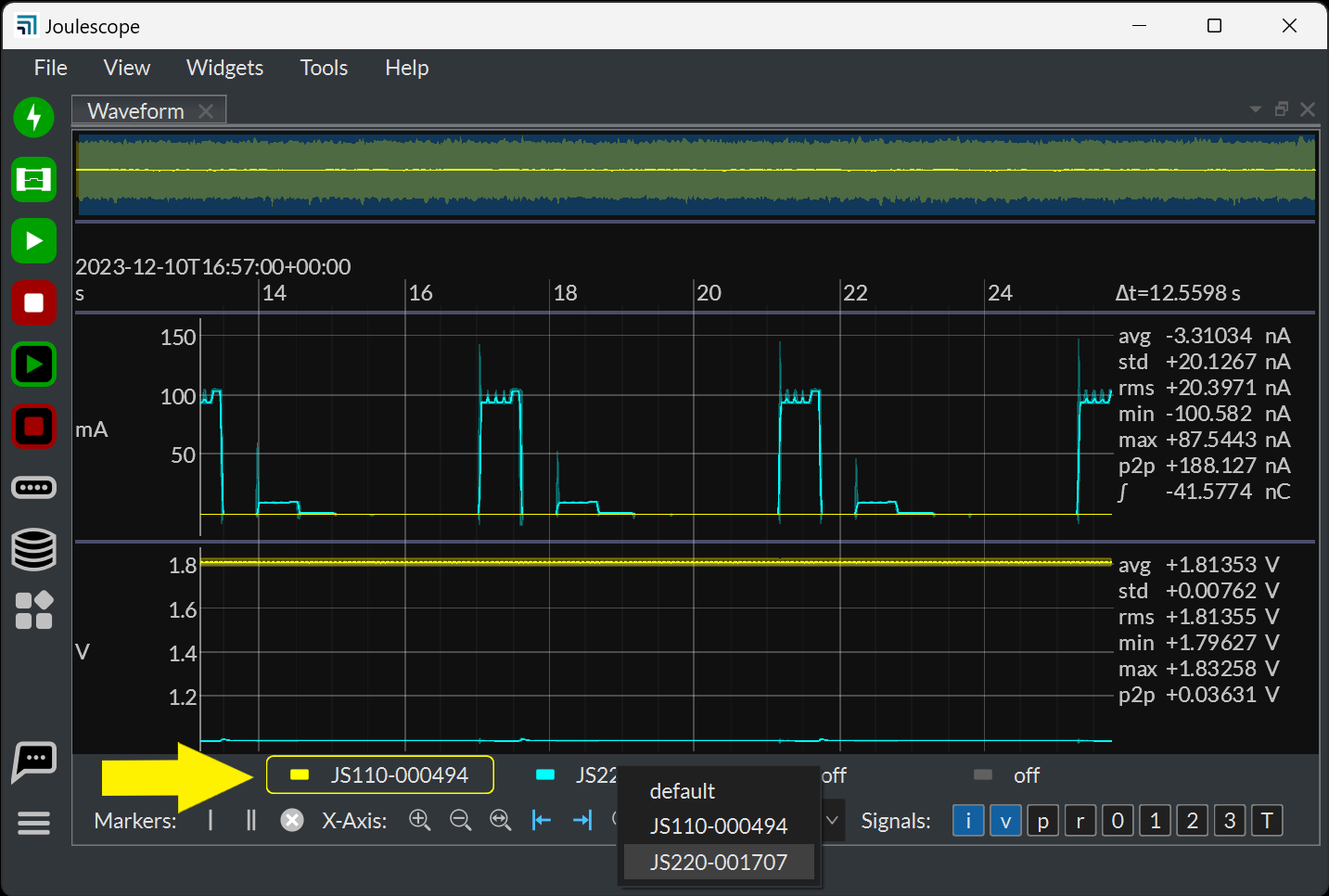
Click on the color bar to enable or disable the channel. Right-click on the channel name to select a different device. Click on the channel to select the active channel.
The Waveform widget uses the active channel to compute the right-hand side statistics and marker statistics. Changing the active channel will change the statistics computations. The active channel also determines the y-axis labels for the current range signal.